
Major

Explore jobs, academy profiles, and reviews on one map

See what a school offers and what teachers have shared without losing your place on the map.

Everything in one place

Switch between job openings, academy profiles, and teacher reviews on the same map. Open a school to move between the information available for that branch. Your map position stays put as you explore. Explore the map.

A clearer picture of each branch

Schools can find their existing branch before setting up a profile, helping their profile and job openings appear in the right place. Teacher reviews remain available even when a school has not published a profile. If you spot an incorrect detail, open the panel menu to suggest a correction.

Keep up with what changes

We now have a newsletter form for occasional updates about new features and major platform changes. Sign up and confirm your email if you would like to hear from us. The newsletter is optional and separate from job alerts.

Major

New: Academy profiles

Academy profiles give you a place to show teachers what working at your school is actually like.

Tell your side of the story

Reviews give teachers a place to share their experience. Academy profiles give schools room to tell their story too. Show how you teach, how you support your staff, and what a normal day looks like.

Put a face to the workplace

Add your logo, photos, a video, and useful links. Write about your curriculum and team, then preview the page before publishing. You can create a profile for free, even when you do not have a job opening. See an example profile.

Help teachers find you

Teachers can browse academy profiles on the map or in the directory, with cards, compact cards, and a list view. Filters include location, ages taught, typical class size, and teaching-team size. Create your academy profile or browse academies.

Major

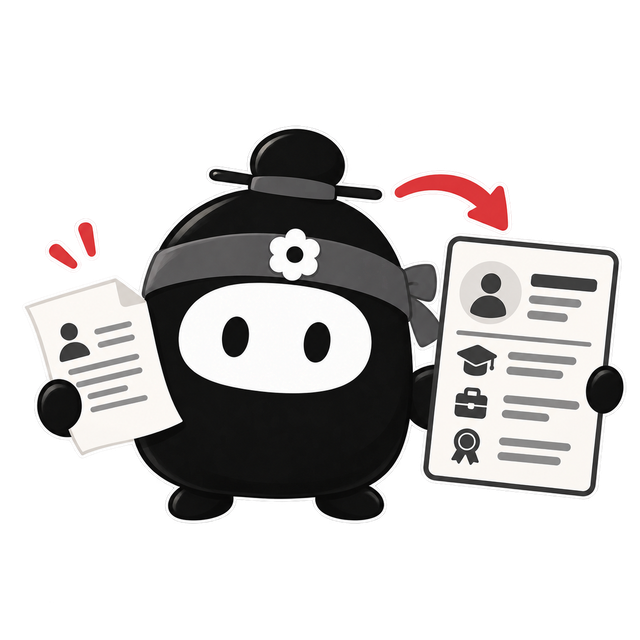
You can now import and optimize your resume with AI

Upload your existing resume and ESL Whitelist Korea will help turn it into a Korean ESL-focused resume.

Upload a PDF, DOCX, or text resume from the resume builder.

If you already have a resume, you can use it as a starting point instead of typing everything again.

AI fills in your ESL Whitelist Korea resume and helps tailor it for Korean ESL jobs.

AI will pull in the key details and help shape them into a clearer, Korean ESL-focused resume.

Shareable resumes now have Save as PDF and print options.

After import, review the sections, make any edits, and publish when it looks right. You can also save or print your shareable resume as a PDF.

AI resume import preview
Major

Job posts now show who is representing the opportunity

Listings are clearer about whether they come directly from an employer or through a recruiter, with easier reporting and fairer workload-based market comparisons.

Job posts identify direct employers and recruiter-posted opportunities more clearly.

When a job is posted by a school or academy directly, the listing can show that employer identity. When a recruiter is representing the opportunity, the listing can show the recruiter agency instead. This makes it easier to understand who you are talking to before you apply.

You can report jobs or profiles that look misleading, incomplete, or inappropriate.

If something looks wrong, you can send a report from inside ESL Whitelist Korea. Reports help the team review misleading job posts, suspicious profiles, or content that does not belong on the marketplace.

Market averages now compare jobs by scheduled weekly workload, making part-time and full-time roles easier to evaluate fairly.

Benchmarks now group jobs by scheduled weekly workload before comparing market averages. That means lighter schedules, standard full-time roles, and higher-hour jobs are evaluated against more comparable listings.

Major

ESL Whitelist Korea now has in-app support and a change log

Get help faster and stay on top of important changes without leaving your account.

Use Support in the sidebar to contact the ESL Whitelist Korea team without leaving the app.

Whether you are applying for teaching jobs or publishing openings, you can now contact support from the same authenticated experience. The new Support entry in the sidebar keeps help close without forcing you out of your current workflow.

Use Change log to review product changes, improvements, and fixes that matter to your job search or hiring workflow.

The new Change log gives teachers and employers one durable place to review launches, improvements, and fixes. Instead of chasing one-off announcements, you can scan the product changes that actually affect day-to-day hiring and job search work.

Major changes now appear automatically the first time you sign in, so you do not miss anything important.

Important launches now surface through a What's New modal when you sign in, so major changes are harder to miss. ESL Whitelist Korea also remembers which announcements you have already seen, which makes it easier to spot new updates without rereading old ones.